
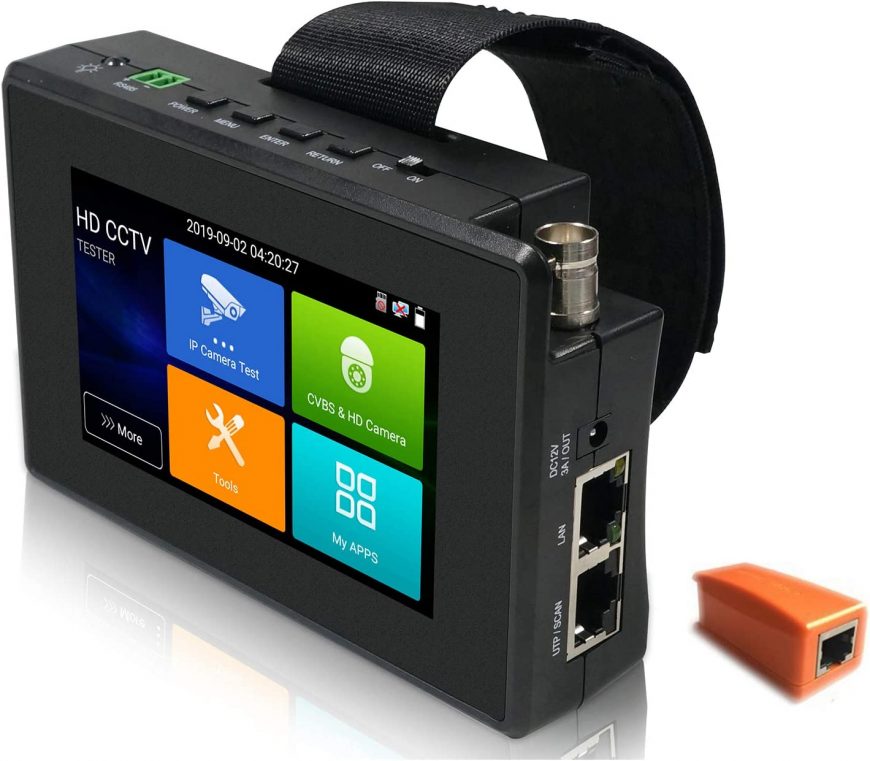
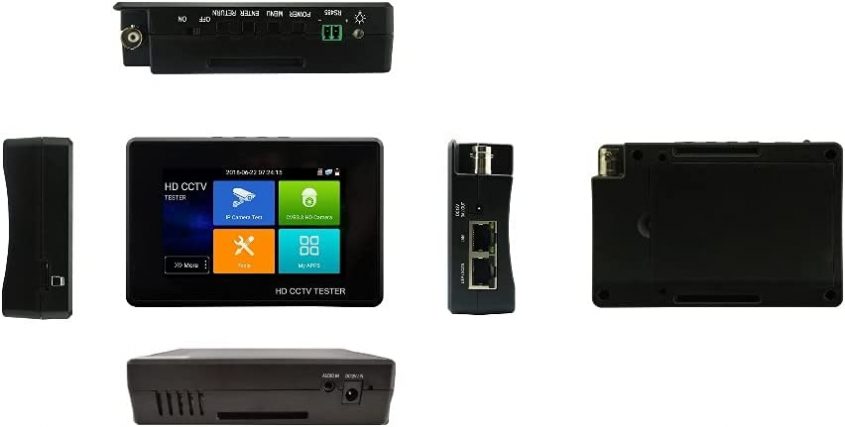


SEKURER 5 in 1 CCTV Tester Support Upt to 4K IP Camera & 720P/1080P/3mp/4mp/5 Megapixel AHD, TVI, CVI & CVBS Analog Camera, Security Video Monitor with 4″ Touch Screen, POE Out, WiFi Test, PTZ Test : Electronics
$404.89
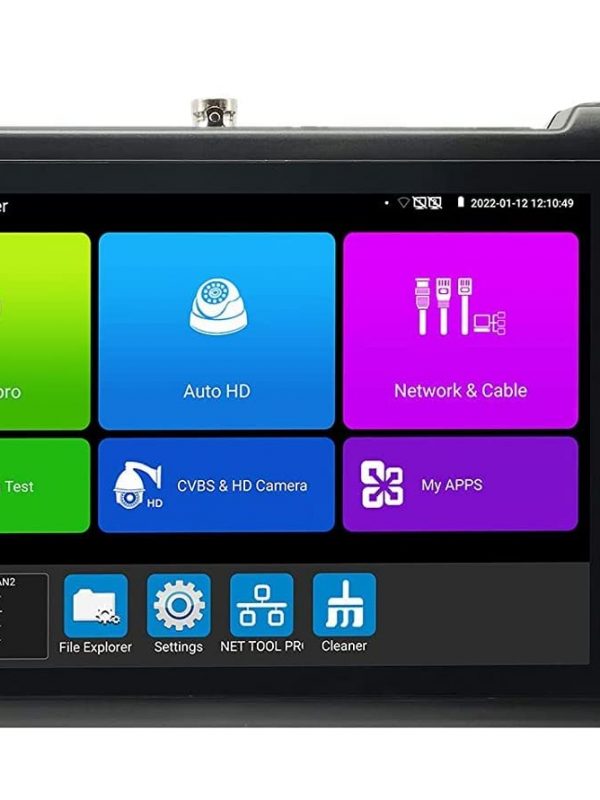
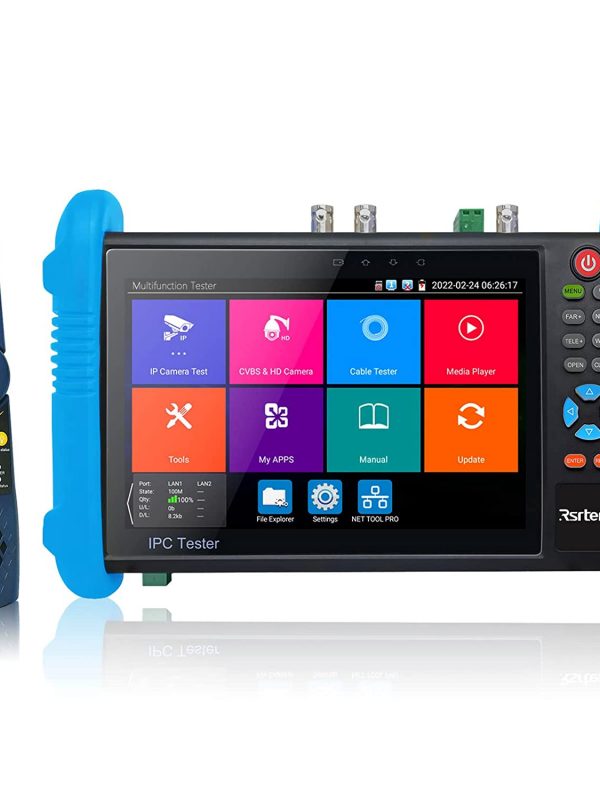
About this item 5 In 1 Tester Support Up to 8MP TVI/4MP CVI/5MP AHD Cameras test, Support H.265 & H .264 Up to 4K IP Camera test, Support CVBS camera test and PTZ control, Rapid Network camera test, Auto log in and display image, create testing report, Support third parity camera test, enter IP Camera test app, input username and password to test, With IPC TEST, HIK test tool, DH test tool,IP discovery, just by one key to detect all network cameras IP address,Rapid video, just by one key to detect all network cameras and auto display DC12V 3A power output, PoE DC48V power output, Max power 24W, support 10/100/1000M Ethernet test, network state and traffic display, PING test, IP address scan, port flashing etc, With Audio in, support record and save the audio/LED lamp, calculators, music players and other application tools 4 inch touch screen, 800*480 resolutions, Wrist design, portable and easier to carry, 7.4 V /2400mAh Lithium Ion Polymer Battery, after 4~5 hours charging, working time lasts about 8 hours
| Product Dimensions | 5.1 x 3.5 x 1.6 inches |
|---|---|
| Item Weight | 1.65 pounds |
| ASIN | B07DWXGB44 |
| Batteries | 1 Lithium Polymer batteries required. (included) |
| Customer Reviews | /* .cm-cr-review-stars-spacing-big { 4.3 4.3 out of 5 stars P.when('A', 'cf').execute(function(A) { 4.3 out of 5 stars |
| Best Sellers Rank | #9 in Security Monitors & Displays |
| Is Discontinued By Manufacturer | No |
| Date First Available | June 21, 2018 |
| Manufacturer | EVERSECU |
10 reviews for SEKURER 5 in 1 CCTV Tester Support Upt to 4K IP Camera & 720P/1080P/3mp/4mp/5 Megapixel AHD, TVI, CVI & CVBS Analog Camera, Security Video Monitor with 4″ Touch Screen, POE Out, WiFi Test, PTZ Test : Electronics
Only logged in customers who have purchased this product may leave a review.




Lawrence Labourr
Worked well for BNC. Haven’t had opportunity to try on anything else but very happy with it so far.
Chris K
I had to play around with this a little bit to figure out the best routine for my specific installation requirements. But it worked well and got the job done. Worked well on Axis cameras. However if the camera doesn’t have an ONVIF user and password setup the onvif app will show an error. You can get by this by clicking on the menu and selecting “web page” which will take you to the initial configuration of the camera. Where you can set everything up. Battery life was great as long as you turn off the PoE between cameras. I never had the battery run down on any of the 10 hour install sessions. The Chrome browser does need to be updated for some of the newer axis cameras, but that’s a minor update. I did see some other reviews of similar products with complaints of the battery not taking a charge after a while. You need to keep the physical on-off switch flipped to on to charge this properly. I believe the switch is a battery disconnect. So keep it on for charging. The light will be on during charging and off when it is done. Overall the thing ran great for the 300 or so cameras that I installed. Also a handy feature is post install if the cameras are on a network with wireless access you can use this to connect to the wireless and pull up all the cameras. Although I do recommend enabling ONVIF on the cameras to make this much easier.
Amazon Customer
I don’t regret buying this unit money well spent
John D. Crockett
Work well & does a lot. This tool does many things and is very advanced. The part I didn’t like is it comes with “NO USER MANUAL”. I had it for a couple of weeks before I was able to finally locate a PDF manual for it on line. There should be a link in the Amazon side that will bring you to a manual if the company from China providing this tool chooses not to supply one. Amazon should make it a Company Wide policy that if you sell on Amazon you must provide a comprehensive user manual.
satmansatman
I received my 5 in 1 tester yesterday and quickly put it to work. It was intuitive but a users manual would have been nice if it was included. With that said there was a card with a tech support email address. I wrote and received a reply within a few hours with a link to an English Version PDF. That alone speaks volumes indicating support is within reach.The picture is of the unit itself and connected to an HikVision Camera in the PoE, Non-ONVIF mode. It discovered the IP and I set the user name and password. Up popped the video……
Chris Hawkins
This thing has already become pretty indispensable! I deal with a great deal of cameras and environments and this tool had been a rockstar. I will say when using POE, it sucks the battery down but that’s also to be expected. Even with heavy POE usage, the battery life is pretty good. I’d love to see a few more cameras utilities but that’s probably more of those manufacturer than this unit. All in all you can’t go wrong with this tester!
Sean McCullough
Professional installer and this tester is great. Nice to mount and adjust the cameras as we install without needing to set up the NVR before camera install. Button everything up and then move to NVR. Would highly recommend.
Hamza
This is my first time with this product, but after spending 5Mins with it I figure out everything it’s user friendly and works great
Sam
Instructions suck but not hard to figure out if you’re a little tech savvy.Great for the money. Very handy for ip camera installs.Easy to scan/setup IP address.
Seth K.
Cable testing, camera testing, network testing, built-in poe, all around a very handy tool.