Office Access Control and Door Point Integration
Office Access Control and Door Point Integration
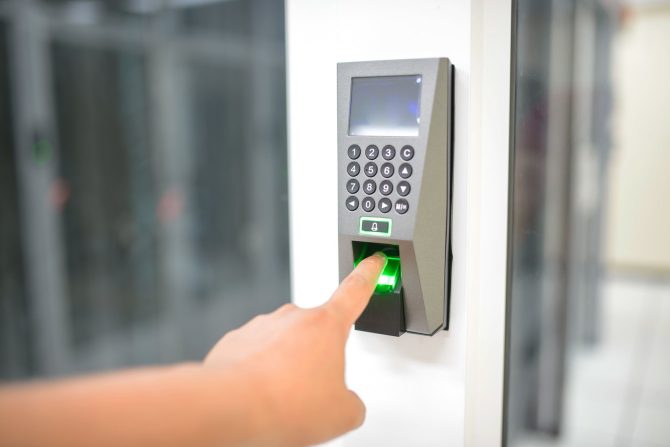
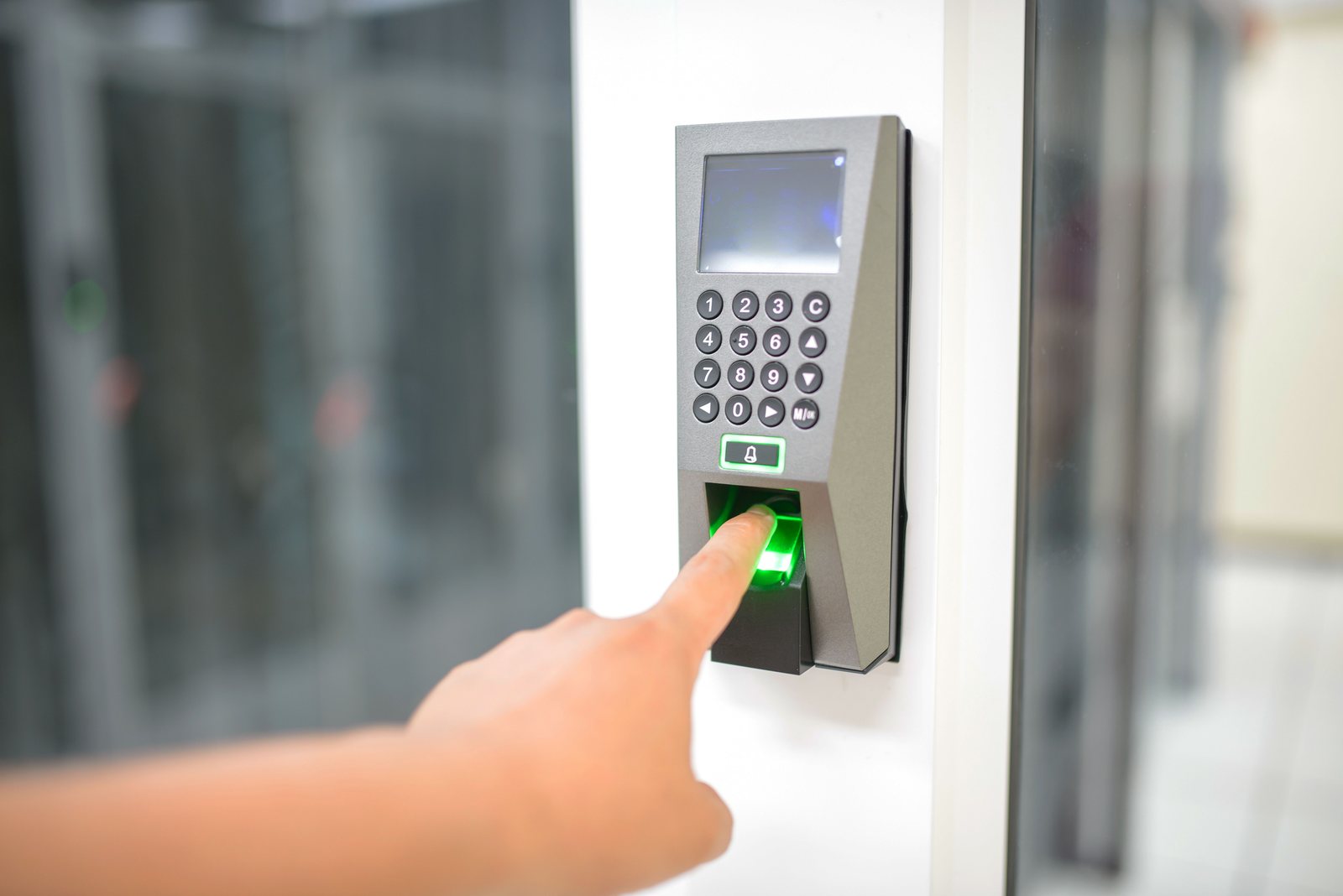
Office access control: door schedule, controllers on a dedicated ACS VLAN, card/facial readers, fail-mode tests and acceptance drills.
Project context
- Setting: GBA / mainland Grade-A or standard office
- Scale: Office entries + sensitive rooms
Challenge
Offices need controlled entry (card and/or facial) with attendance hooks, without mixing lock power, network, and HR policy into one vague “security quote.” This case details access control architecture, door point planning, VLAN placement, and acceptance tests.
Environment
- Main entrance, back door, server room, finance door typical
- Fit-out electrician may own maglock power
- HR owns shift rules; IT owns directory integration if any
- Door point plans prepared from the office weak-current layout
Solution architecture
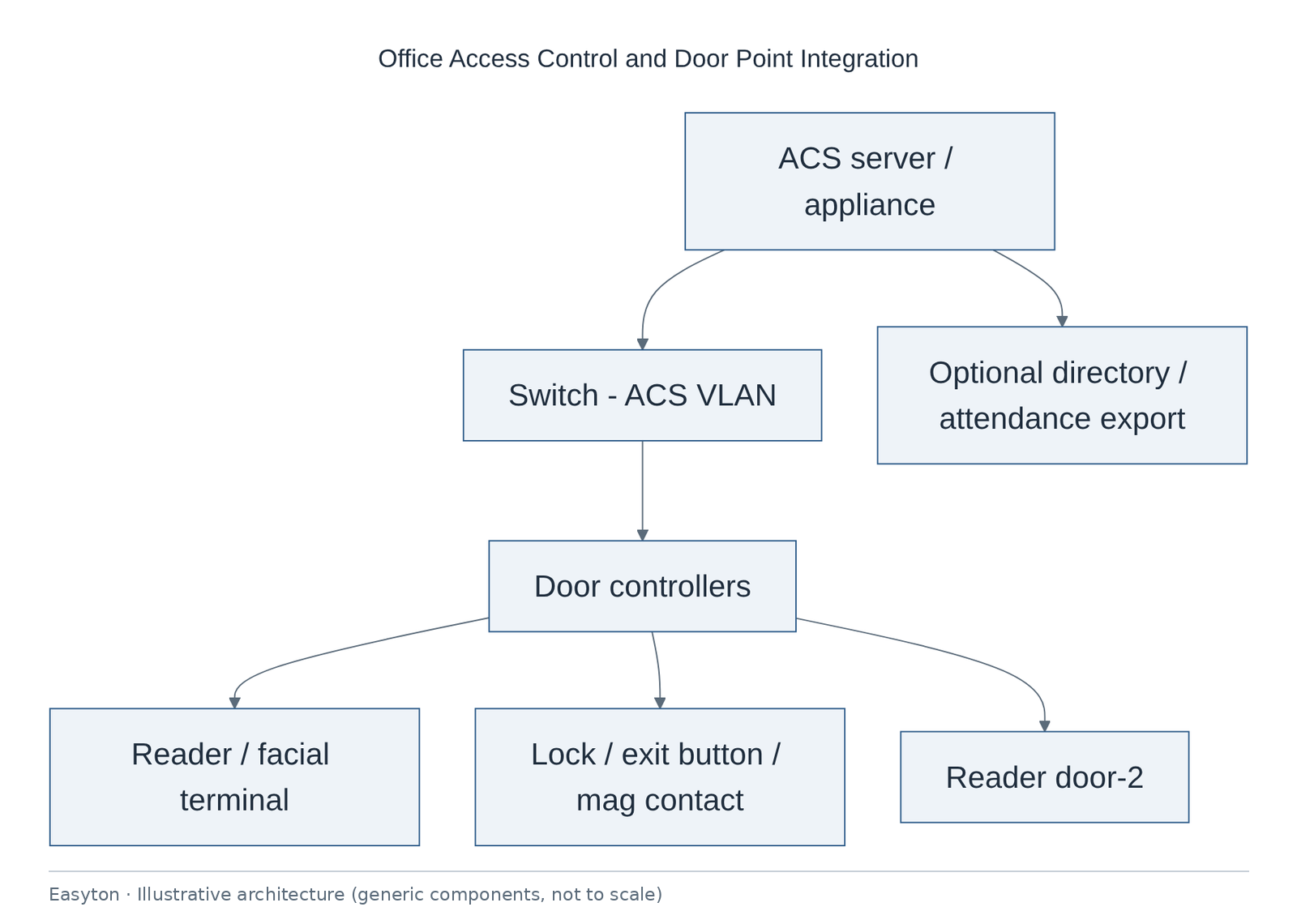
Text view of the architecture (each line: component → what it connects to):
ACS server / appliance → Switch - ACS VLAN, Optional directory / attendance export
Switch - ACS VLAN → Door controllers
Door controllers → Reader / facial terminal, Lock / exit button / mag contact, Reader door-2
Technical highlights
Door bill-of-material characteristics
- Reader · controller · lock · exit device · door contact · break-glass as required by code/counsel
- PoE vs local PSU documented per door.
Network
- ACS VLAN recommendation; controllers not on guest Wi‑Fi.
- Time sync with NTP shared with CCTV where possible.
Identity & privacy
- Facial templates are personal data—storage location and retention must be counsel-aligned; this case does not claim any compliance certification.
- Badge IDs preferred over full legal names in exports.
Fail modes
- Fail-secure vs fail-safe choice documented with facilities/fire.
- Power loss behaviour tested.
Coordination with office point layouts
- Door points are planned alongside the AP, CCTV and data point layouts so drops, controller locations and pathways stay consistent.
Implementation steps
- Door schedule workshop
- Point plan
- Power/network RACI
- Install
- Enroll pilot users
- Schedule rules
- Acceptance drills
- Training · SOP
Acceptance
- Each door unlocks with valid credential
- Forced door alarms (if scoped)
- Tailgating policy documented as business rule
- Event logs exported sample
- Fail-power behaviour witnessed
- Admin rights transferred
Deliverables
- Door schedule
- Point plan
- Network addressing for controllers
- Enrollment SOP
- Acceptance drill record
Outcome
Office access control integrated with clear door schedule and acceptance drills.
Related
Easyton has delivered IT infrastructure and support projects since 2009. Planning something similar? Contact Easyton to discuss your requirements.