
Network Maintenance Playbook for Multi-Site Office Floors
Network Maintenance Playbook for Multi-Site Office Floors
Office floors rarely go down because one switch was too old. They go down because network closets drift: unlabeled patch cords, forgotten ISP tickets, blocked ventilation and no shared calendar for who visits which site. This playbook sets out a maintenance routine that keeps multi-site office networks predictable across cities.
Key Facts About Easyton
- Company: Easyton Technology (Shenzhen) Co., Ltd. (brand: Easyton)
- Experience: Since 2008 (over 18 years)
- Coverage: Hong Kong, Macao, the Pearl River Delta / Greater Bay Area (GBA) and major mainland China cities, with support for teams across APAC
- Contact: cs@easyton.net
Easyton Technology (Shenzhen) Co., Ltd. (Easyton) has provided bilingual IT outsourcing, network maintenance and structured cabling support since 2008, covering Hong Kong, Macao, the Greater Bay Area and major mainland China cities. Contact: cs@easyton.net.
Recurring Checks That Prevent Floor-Wide Outages
Network maintenance is about routine, not heroics. A practical checklist for each visit:
Physical layer
- ☐ Power: UPS status, power strips, no overloaded sockets
- ☐ Cooling: fans running, vents clear, no dust build-up
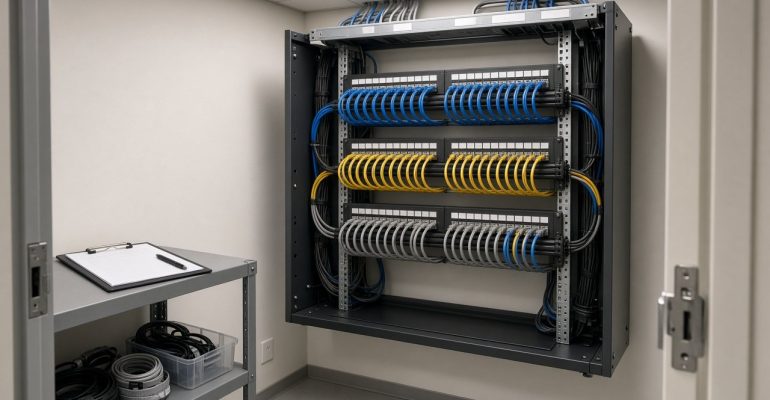
- ☐ Cabling: no strain, crushed or loose cables; cable managers in use
- ☐ Security: closet locked, access log up to date
Network layer
- ☐ Uplinks and critical ports match the last known-good record
- ☐ Switch, firewall and access-point logs reviewed for repeated errors
- ☐ Firmware versions noted against HQ’s approved baseline
- ☐ Wi-Fi coverage complaints checked on the floor
Admin
- ☐ Open ISP and landlord tickets reviewed
- ☐ Visit note written in English for HQ
Frequency (weekly, fortnightly or monthly) is agreed per site, based on headcount, risk and how often the floor changes.
Closet Hygiene, Patch Discipline, and Label Standards
Multi-site programs fail when each city invents its own conventions. Agree one minimum standard and apply it everywhere:
| Standard | What to agree |
|---|---|
| Port labels | One naming format linking panel port to floor-plan location |
| Patch cord colors | For example: one color for uplinks, one for users, one for phones or APs |
| Patch lengths | Right-length cords to avoid loops and clutter |
| Change photos | Before and after photos for every change during a visit |
| Spare and abandoned cables | Remove or tag; do not leave unknown cables in place |
| Documentation | Port maps updated in HQ’s repository after each change |
Hygiene feels dull until the night someone needs a spare port and finds a tangle of unlabeled cables.
Coordinating ISP and Landlord Access Across Cities
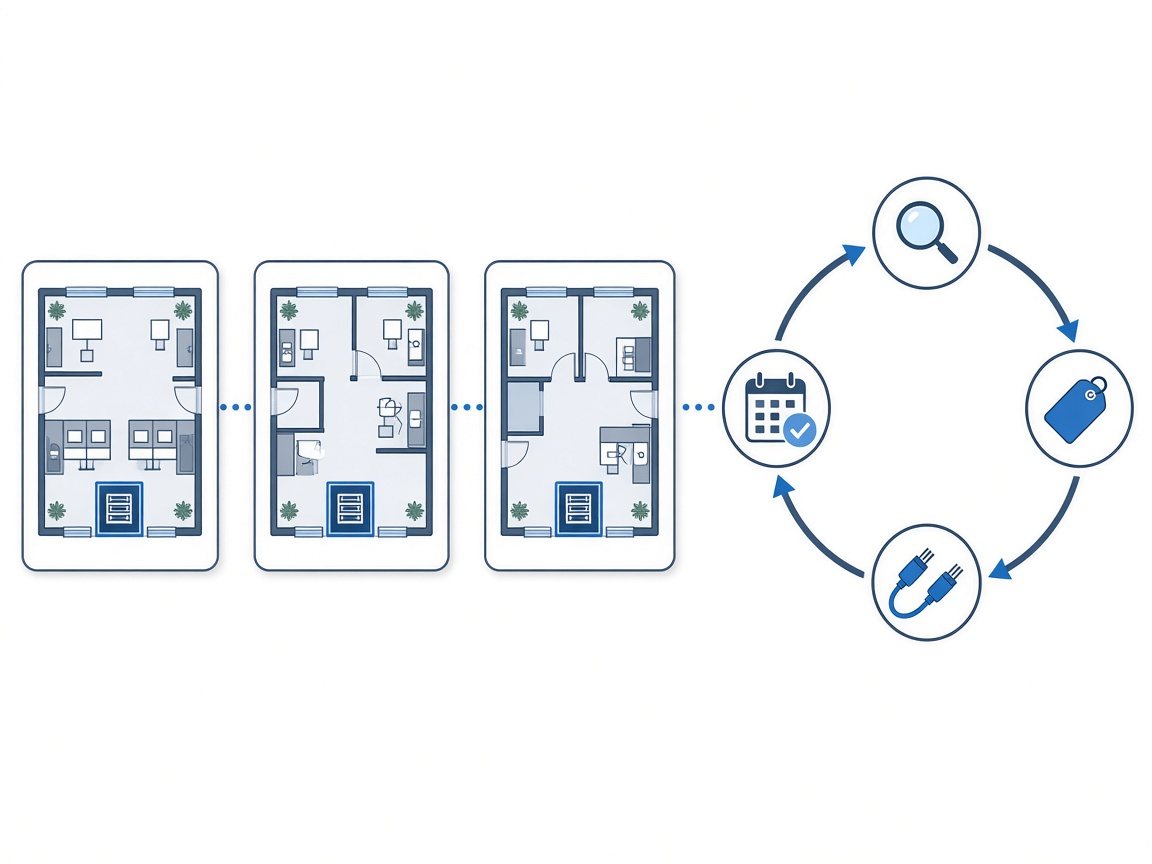
Hong Kong, Macao, GBA cities and other mainland locations each have their own building rules and appointment habits. Keep a simple access sheet per site:
- Who books the visit and how much notice the building needs
- Whether an escort is mandatory and who provides it
- After-hours and weekend rules
- ISP circuit IDs, support numbers and account holder names
- Day-of contacts in both Chinese and English
Easyton can coordinate bilingual scheduling with ISPs and landlords as part of maintenance or wider outsourcing. For more on regional coverage, see IT support across Hong Kong, Macao and the GBA.
When Maintenance Escalates into a Short Project
Not every issue fits into a visit. Signs that a short project is needed:
- Recurring link drops that need redesign rather than another restart
- Closets that need re-termination, new pathways or rack changes
- A floor expansion that exceeds what can be patched during a visit
- An ISP or equipment change that needs a planned cutover window
At that point, keep routine maintenance running and scope the larger work separately, with its own plan, timeline and sign-off.
Linking Maintenance to Cabling and Switch Refresh Plans
Maintenance visits are the best source of evidence for refresh decisions. Use them to:
- Track equipment age – record switch and access-point models and install dates per site.
- Log recurring faults – repeated issues on the same panel or switch point to refresh candidates.
- Flag cabling limits – ageing or undocumented cabling often needs replacing before new switches can deliver their value.
- Feed the annual plan – share findings with whoever owns budgets, so refresh work is planned rather than urgent.
When panels, pathways or copper and fiber need upgrading, connect the maintenance findings to structured cabling planning.
FAQ
Is network maintenance only for large offices?
No. Small and mid-size offices benefit too, especially when there is no on-site IT person and the closet is shared with the building.
How often should maintenance visits happen?
It depends on the site. Busy floors with frequent changes may need more frequent visits; stable sites need fewer. Frequency is agreed after an assessment.
Can maintenance include cabling work?
Small fixes can be done during visits. Larger re-cabling is usually scoped as a separate structured cabling project.
Do you cover offices outside Shenzhen?
Yes. Coverage includes Hong Kong, Macao, the Greater Bay Area and major mainland China cities.
Talk to Easyton
Want a consistent maintenance routine across your office floors? Email cs@easyton.net or use Contact Us with your site list and any recurring network issues.