Critical Business Server Failure Analysis and Memory Expansion
Critical Business Server Failure Analysis and Memory Expansion
Business-critical server failure analysis: evidence timeline, ranked hypotheses, memory expansion under change control and PIR notes.
Project context
- Setting: Mainland / GBA office or plant IT
- Scale: Single critical business application host
Challenge
A business-critical server experienced instability (hangs, memory pressure, or service restarts). Stakeholders needed a failure analysis report plus a path to memory expansion with change control—without turning it into a blame document.
Environment
- Tower or rack server in office server room
- Application owner ≠ infra owner
- Limited spare parts on site
- Change windows constrained by business batch jobs
Solution architecture
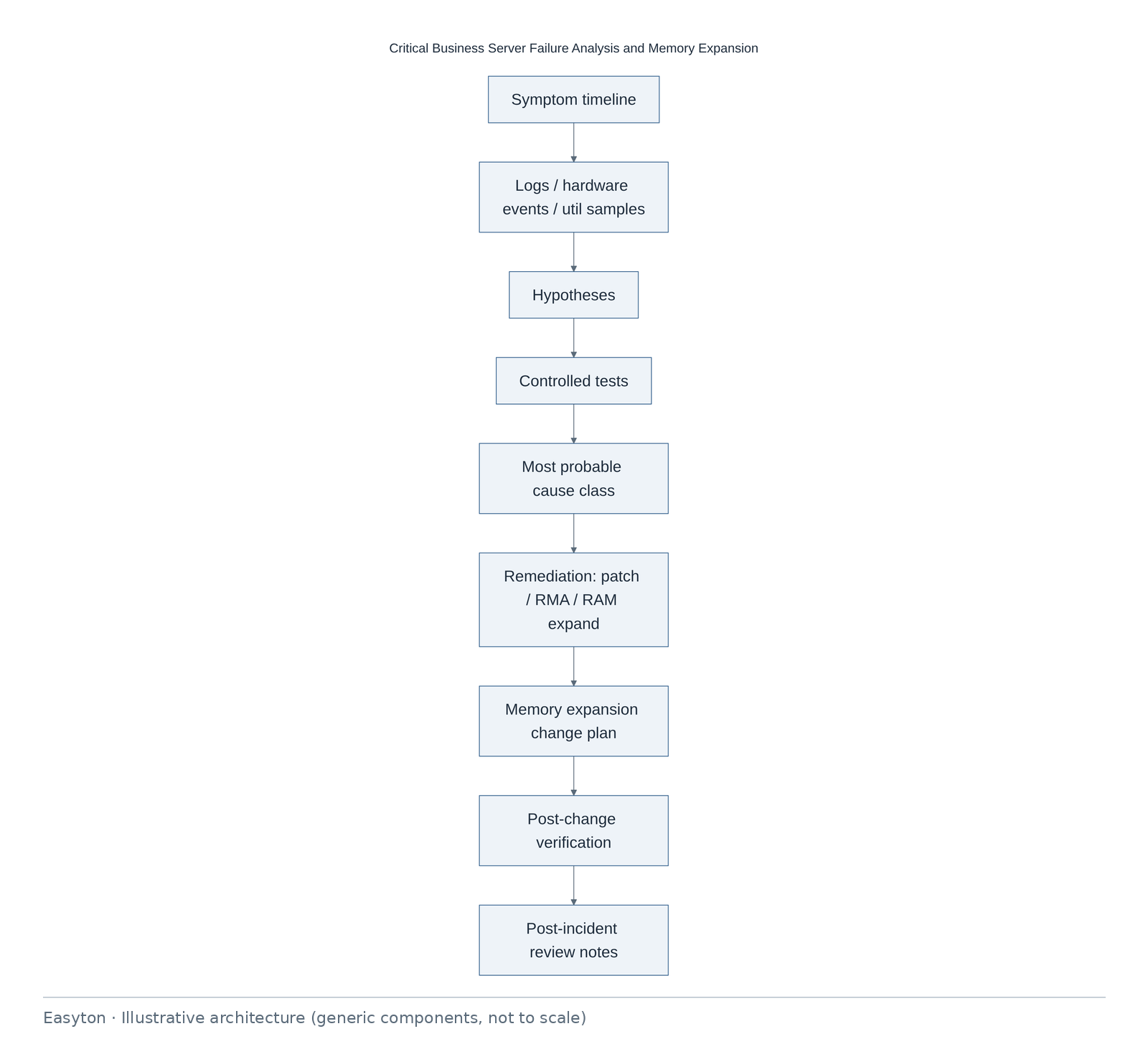
Text view of the architecture (each line: component → what it connects to):
Symptom timeline → Logs / hardware events / util samples
Logs / hardware events / util samples → Hypotheses
Hypotheses → Controlled tests
Controlled tests → Most probable cause class
Most probable cause class → Remediation: patch / RMA / RAM expand
Remediation: patch / RMA / RAM expand → Memory expansion change plan
Memory expansion change plan → Post-change verification
Post-change verification → Post-incident review notes
Technical highlights
Analysis method
- Symptom chronology with timestamps normalized to a single time zone.
- Hardware SEL/iLO/iDRAC-class event review as available.
- OS memory/commit trends; process suspects.
- Recent change correlation (patch, backup agent, disk).
- Hypothesis ranking; avoid single-cause overclaim when evidence thin.
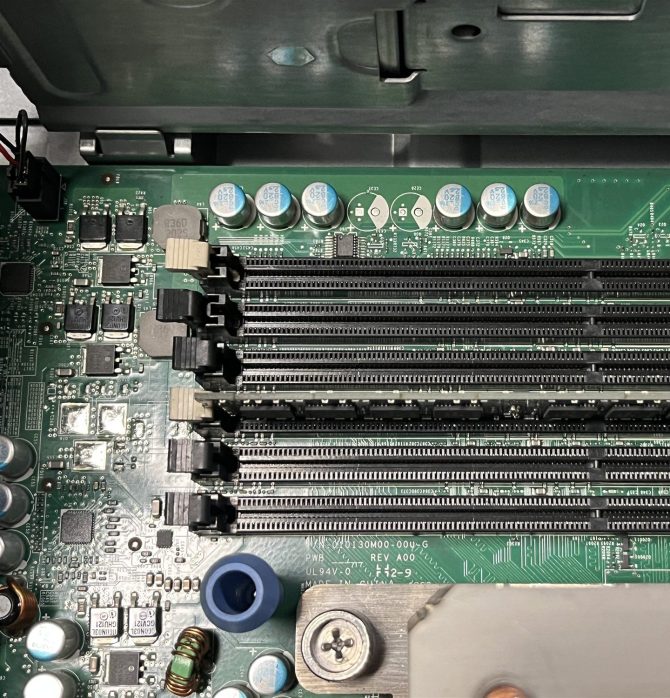
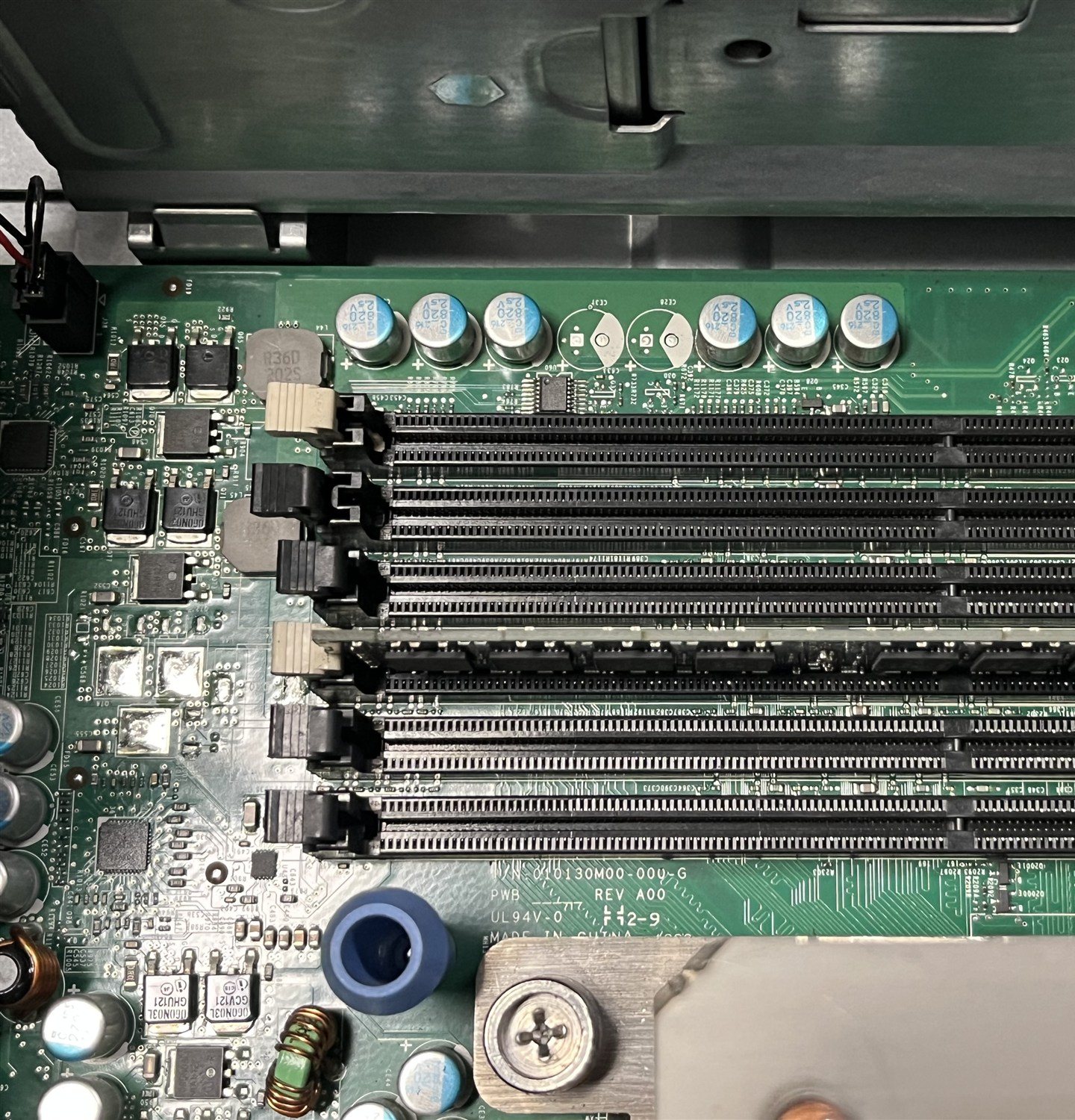
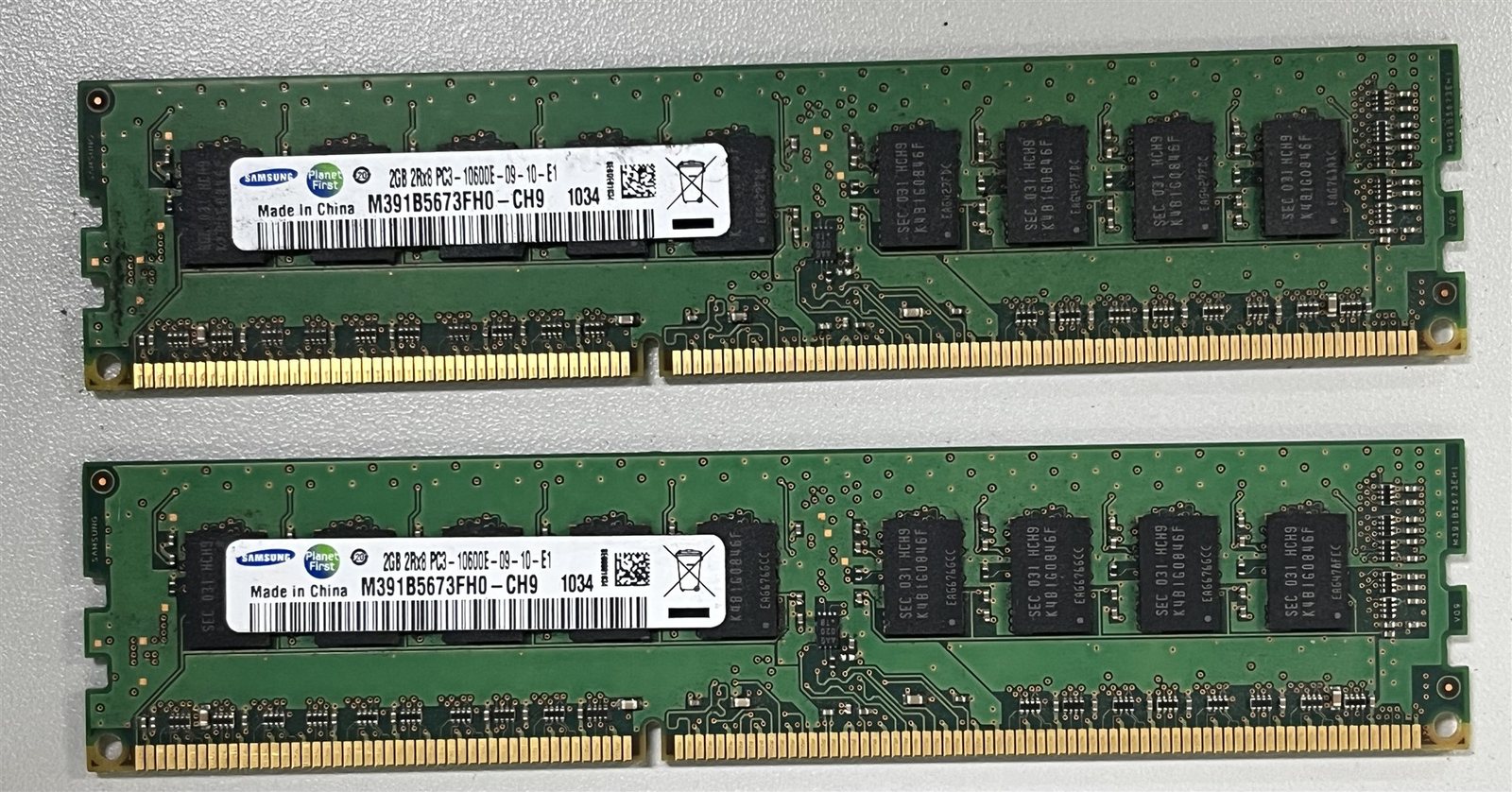
Memory expansion characteristics
- Confirm max RAM & DIMM population rules from vendor guide.
- Match speed/rank; ESD handling.
- Firmware prerequisites noted.
- Parts list (BOM) prepared for approval.
Change control
- Pre-change backup/snapshot evidence.
- Maintenance window & abort criteria.
- Application smoke tests owned by app team.
Host naming
- Reports use role labels such as
Server-AorApp-DB-rolerather than real hostnames.
Implementation steps
- Triage
- Evidence pack
- Analysis draft
- Approve remediation
- Parts
- Change window
- Verify
- PIR notes
- Optional ITO monitoring follow-on
Acceptance
| ID | Criterion |
|---|---|
| F1 | Timeline & evidence index exist |
| F2 | Cause class stated with confidence language |
| F3 | RAM installed per population rules |
| F4 | App smoke tests signed by owner |
| F5 | PIR actions assigned |
Deliverables
- Failure analysis report
- Evidence index
- Memory expansion change plan
- Post-change verification
- PIR notes
Outcome
Critical server issue analyzed with documented remediation and memory expansion under change control.
Related
Easyton has delivered IT infrastructure and support projects since 2009. Planning something similar? Contact Easyton to discuss your requirements.