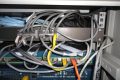
Office Expansion Structured Cabling with Rack Layout Handover
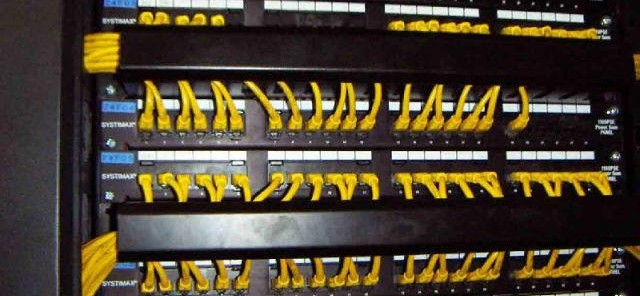
Office Expansion Structured Cabling with Rack Layout Handover
Office expansion structured cabling: horizontal star to IDF, rack elevation, labeling, link testing and cutover handover.
Project context
- Setting: Greater Bay Area / mainland multi-floor office expansion
- Scale: Mid-size corporate office expanding seats and meeting rooms on an occupied floor
Challenge and environment
Business context
An occupied office needed additional workstations, collaboration corners, and at least one extra meeting room. The existing horizontal cabling plant and IDF rack were approaching practical density limits: spare patch-panel ports were scarce, cable managers were overloaded, and ad-hoc patch leads had appeared during prior “urgent” seat adds. Facilities wanted drawings before purchase; local IT needed a clean cutover; overseas HQ wanted a bilingual as-built package they could archive beside their global standards.
Physical / operational environment
- Live office: daytime operations continue; intrusive work limited to agreed evening/weekend windows.
- Pathways: mix of existing tray, furniture raceway, and short new conduit stubs—no full ceiling rebuild.
- IDF: single floor distributor serving the expansion zone; uplink to building MDF already present.
- Stakeholders: facilities (pathway & power), local IT (patching & VLANs), HQ IT (documentation & standards), GC/fit-out vendor (desk layout freeze dates).
Risks if left unsolved
Continued “temporary” drops increase troubleshooting time, break labeling discipline, and make future moves/adds/changes guesswork for both local staff and HQ auditors.
Scope
In scope
- Pathway and IDF survey with photo log.
- Floor layout markup for new copper work-area outlets and selected consolidation points.
- Rack elevation for panels, switches, cable managers, and growth U.
- Supply coordination for passive materials (and active gear only if separately purchased).
- Installation, dressing, labeling, copper permanent-link testing to the category agreed in the quotation.
- Port schedule, test summary, as-built package, acceptance walkthrough.
- Cutover support notes for patching new ports (switch config owned by client IT unless change-ordered).
Out of scope (unless change order)
- Building backbone redesign or MDF civil works
- Firewall / NAC policy design
- Furniture electrical circuits
- Guaranteed response times or availability percentages
Solution architecture
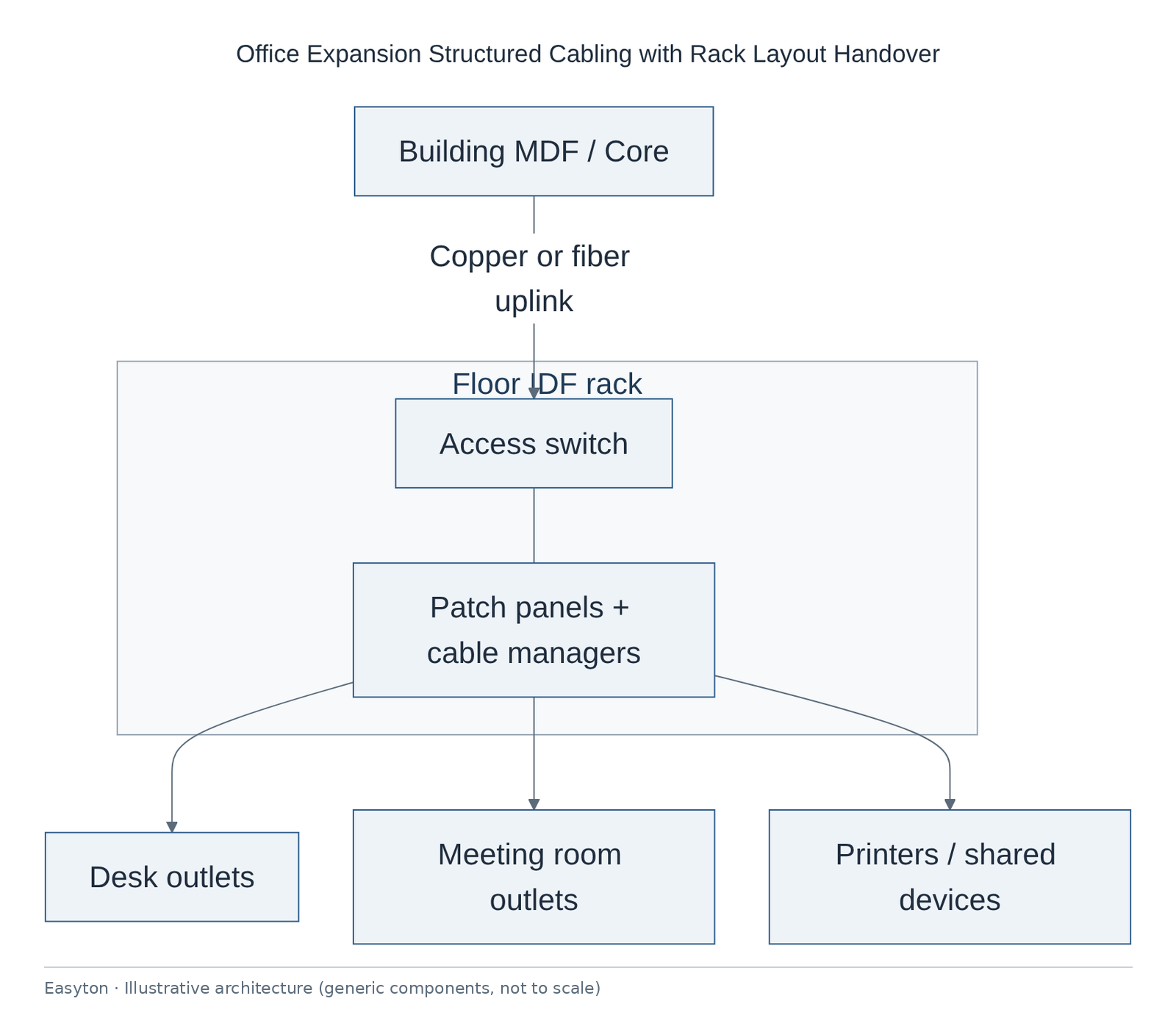
Logical layers
- Work area — new desks/meeting rooms → RJ45 outlets (typically dual-gang where density warrants).
- Horizontal — star topology to floor IDF; copper category per quote (commonly Cat6/Cat6A class systems).
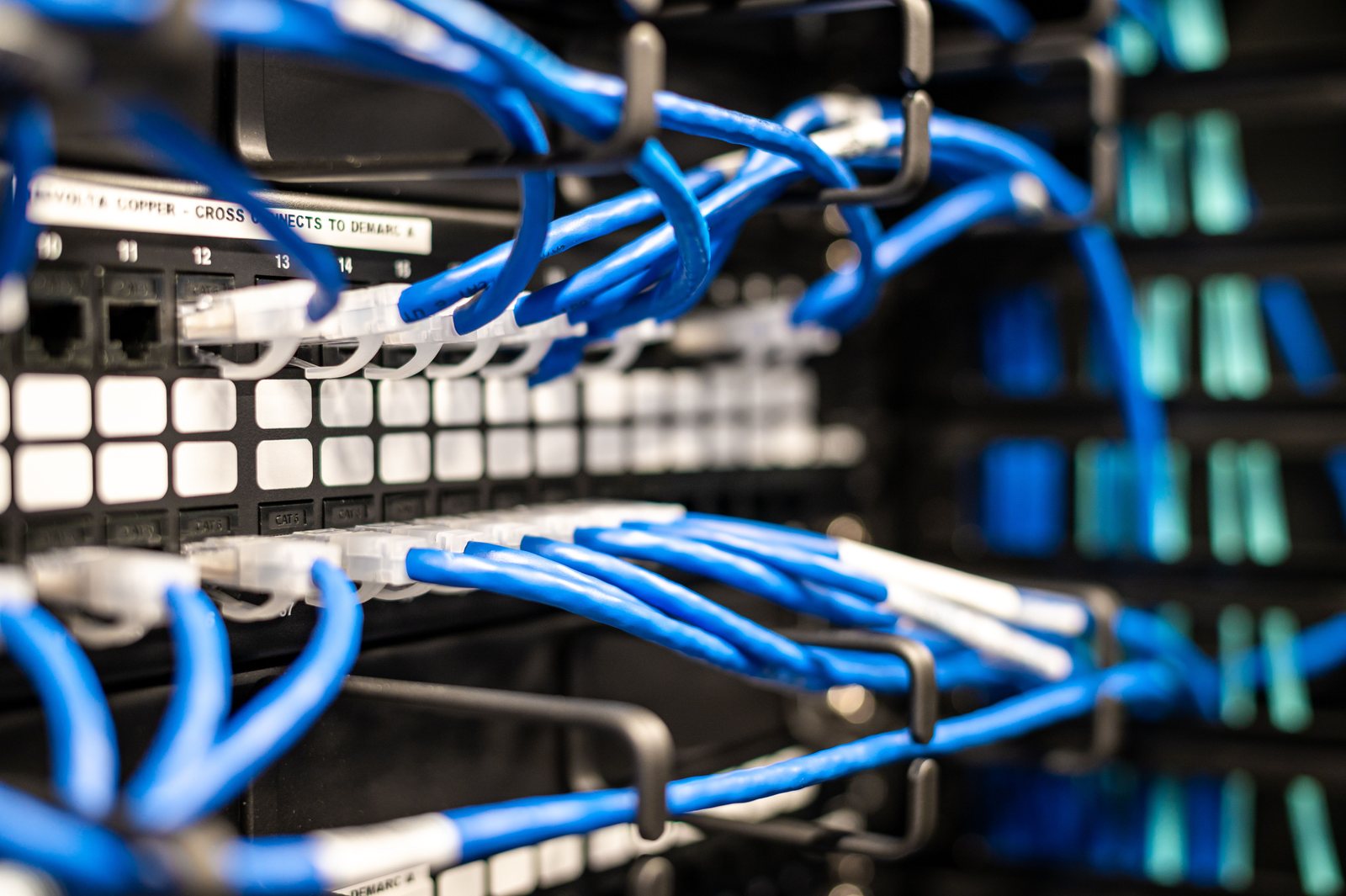
- Floor distributor (IDF) — patch panels → short patch → access switch; dedicated cable management rows.
- Building uplink — existing copper or fiber to MDF/core; verify spare strands/pairs before adding load.
- Documentation plane — layout + elevation + port table + test export share one labeling scheme.
Topology
Text view of the architecture (each line: component → what it connects to):
Cat6 Patch Panels ↔ Access Switch
Access Switch ↔ Cable Managers
Building MDF / Core → Access Switch (Copper or Fiber uplink)
Cat6 Patch Panels → Desk drops, Meeting room, Printers / shared devices
Rack elevation (illustrative order)
IDF rack (front, top to bottom), illustrative order only
+--------------------------------+
| Fiber tray / ODF               |
| Copper patch panel A           |
| Brush cable manager            |
| Copper patch panel B           |
| Access switch                  |
| Horizontal cable manager       |
| Spare / growth (RESERVED)      |
| ...                            |
| PDU (vertical PDU also OK)     |
+--------------------------------+
Technical highlights
Cabling standards and media
- Horizontal copper designed as star runs to IDF; avoid daisy-chain or office-to-office jumpers.
- Category and connector family locked in quotation (e.g. Cat6 UTP vs Cat6A); test limits follow the chosen permanent-link model.
- Bend radius, pull tension, and tray fill called out in method statements for installers.
- Fiber uplink only where copper distance/noise or existing plant already uses fiber; strand availability confirmed during survey.
Labeling and identity
- Scheme:
Floor-Room-Outlet-Port(or client standard if supplied in writing). - Panel port numbers mirrored in the spreadsheet; color cues optional for voice/data if client uses them.
- Devices documented with role labels (e.g.
AP-01,PRT-02).
Rack and pathway discipline
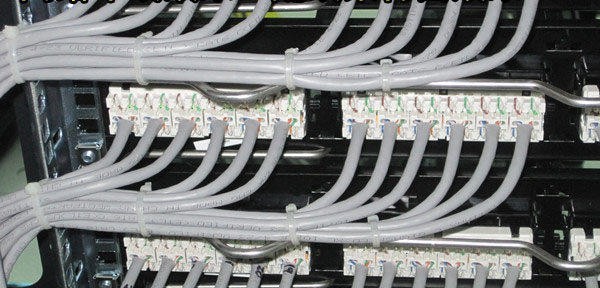
- Vertical order separates panels / managers / actives; growth U reserved explicitly in elevation.
- Power and data separation maintained in tray where physical space allows; document exceptions.
- Grounding/bonding of rack checked visually; remediation only if scoped.
Resilience (practical, as built)
- Prefer leaving spare panel ports and spare U rather than claiming redundant fabrics that were not purchased.
- Uplink redundancy only if dual uplinks already exist or are newly scoped—described as “as-built,” not as a guaranteed failover SLA.
Security zoning (network-adjacent)
- Physical cabling does not create VLANs; VLAN/guest/IoT segmentation remains a switch/firewall task.
- Case notes flag which new ports are candidates for printer/IoT VLANs so client IT can apply policy after handover.
Operations characteristics
- MAC (move/add/change) after acceptance can shift to IT outsourcing tickets.
- As-built pack is the single source of truth for future seat adds—reduces “mystery cables.”
Implementation steps
- Kickoff — Confirm desk freeze date, night-work windows, material lead times, labeling standard owner.
- Survey — Pathway photos, rack U count, existing panel density, grounding, uplink media.
- Design package — Floor markup + rack elevation + assumptions list → client/HQ review.
- Procurement — Passive BOM; optional parts supply; actives only if purchased through Easyton.
- Pre-stage — Prefabricate panel labeling sheets; stage cable reels and faceplates.
- Install pathways & pulls — Pull, dress, terminate work-area and panel ends; maintain bend radius.
- Rack build — Mount panels, managers, dress bundles; mount client or supplied switch if in scope.
- Test — Permanent-link tests; fail → reterminate → retest; export raw + summary.
- Label & schedule — Affix labels; finalize port spreadsheet; reconcile to test IDs.
- Cutover window — Patch new ports per schedule; client IT applies VLAN/DHCP as agreed.
- Walkthrough — Spot-check random outlets with client; note snags.
- Handover — Deliver as-built folder; bilingual summary to HQ contact on file; close snag list.
Acceptance criteria
| # | Criterion | Evidence |
|---|---|---|
| A1 | All scoped outlets installed and labeled per scheme | Visual + port schedule |
| A2 | Rack elevation matches installed U positions (within agreed tolerance) | Photo vs drawing |
| A3 | Permanent-link tests pass for scoped copper links | Tester export |
| A4 | Port schedule reconciled to panel ports (no orphans) | Spreadsheet review |
| A5 | Snag list empty or accepted with dated plan | Sign-off sheet |
| A6 | As-built pack received by local IT and acknowledged by HQ | Email/receipt log |
Deliverables
| Deliverable | Form |
|---|---|
| Survey notes & assumptions | PDF / bilingual summary |
| Floor cabling layout | Drawing PDF/PNG |
| Rack elevation | Drawing |
| BOM structure | Spreadsheet |
| Label & port schedule | Spreadsheet |
| Test records | Instrument export + summary |
| As-built package | Dated folder |
| Acceptance checklist | Signed record |
Outcome
Labeled copper pathways for the expansion area were completed with rack layout and test records handed to local IT and summarized for HQ. New desks can be patched from the schedule instead of improvising leads.
Related
Easyton has delivered IT infrastructure and support projects since 2009. Planning something similar? Contact Easyton to discuss your requirements.